Driving licence photo things you should know in 2025
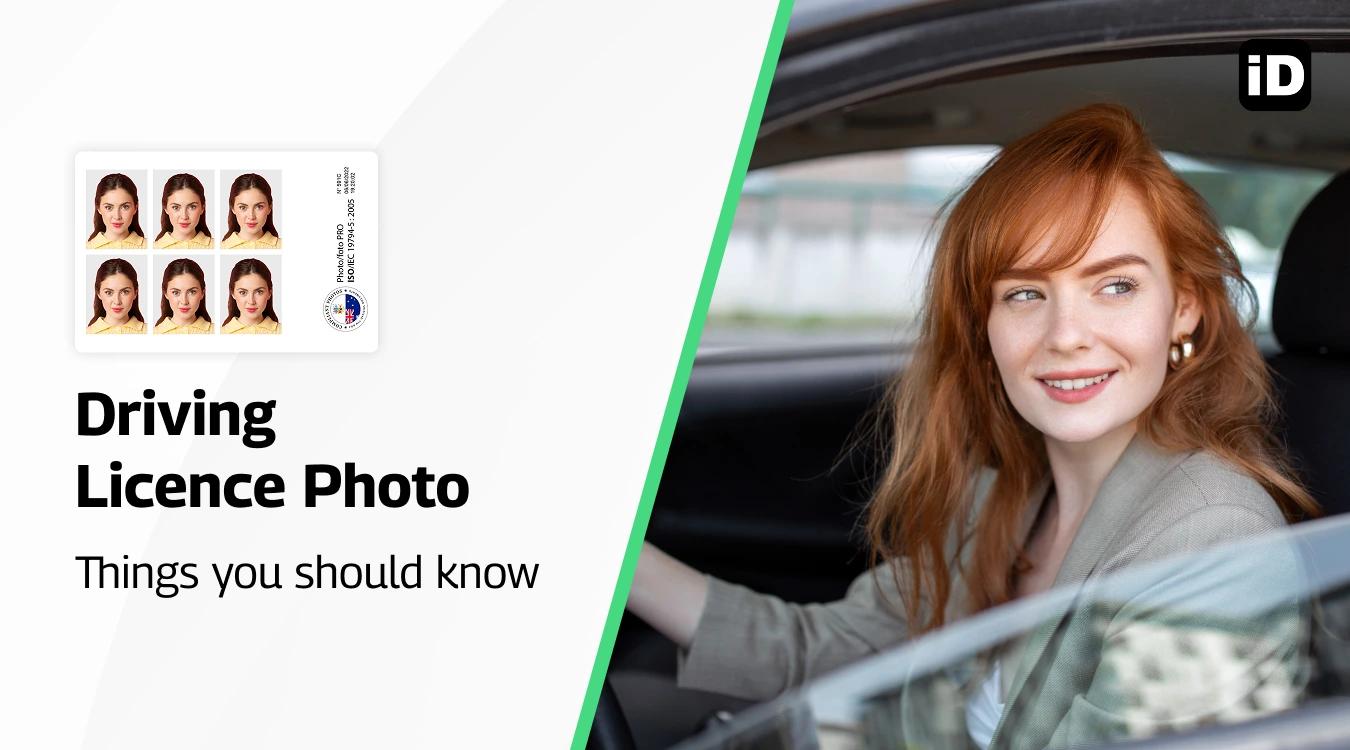
Quick read - for people in a hurry
- Size: 35–40 mm wide × 45–50 mm high; head size 32–36 mm.
- Background: Plain white or light grey, no shadows or patterns.
- Quality: Sharp, clear, natural skin tone, no filters or retouching.
- Expression: Neutral face, mouth closed, eyes open, no smiling/frowning.
- Clothing & Accessories: No uniforms, hats, or large jewellery; wear plain dark clothes.
- Glasses: Only allowed if medically necessary, no glare or tinted lenses.
- Where to get: Australia Post, Officeworks, Kmart, photo studios, or at home with Smartphone iD app (digital & printed delivery with compliance guarantee).
Not sure how to get a driver’s licence photo? Don’t worry — with our photo service, you can get certified Australian driver’s licence photos quickly, securely, and at a low cost.
Last update: 09/30/2025
Table of contents
1. What are the Driver’s Licence Photo Requirements in Australia & Size
2. Where to Get a Driver’s Licence Photo
3. How to Apply For a Driving Licence
4. How to Take a Good Driving Licence Photo at Home
What are the driver’s licence photo requirements in Australia & size
Have you thought about the strict requirements for Driver’s licence photos in Australia? When you get a Driver’s licence photo, follow all of the standards that the Australian government requires. Your application will most likely be denied or delayed if you don’t.
Size and dimensions
The first thing to know is the size. An Australian driver's licence photo must measure 35–40 mm wide by 45–50 mm high.
Your head size — from the bottom of your chin to the top of your crown — must be between 32 mm and 36 mm
Background
The background must be plain white or light grey, with no patterns, textures, or objects visible. It should be completely clear and contrast with your clothing. Shadows on the wall are not allowed. If you’re taking it at home, use a white wall or hang a light sheet behind you.
Photo quality
Your photo needs to be sharp, clear, and in focus. No blurriness, no pixelation, and no grain. The color must be natural and represent your true skin tone. Avoid using filters or editing software to “touch up” your face — no retouching of scars, wrinkles, or marks is permitted. The photo has to be printed on high-quality photo paper with a matte or semi-matte finish, never on an inkjet printer.
Head position and expression
Sit facing the camera directly, with your head straight and centered in the frame. Don’t tilt your head or turn it sideways. Keep a neutral expression — that means no smiling, no frowning, and no raised eyebrows. Your mouth should stay closed and your eyes must be open, looking straight at the camera.
Hair
Your hair must not cover your face or eyes. If you have bangs, make sure they don’t hang over your eyebrows. Long hair should be tucked behind your ears or pulled back so your cheeks and jawline are visible. The goal is for your entire face, from the chin to the crown, to be clearly shown.
Makeup
Makeup is allowed, but it should be natural. Avoid heavy foundation, glitter, or shiny powders that can cause reflections. Bright lipstick or dramatic eye makeup isn’t recommended either, as the photo must look like your everyday appearance. Think “fresh, natural look” rather than “glam photo shoot.”
Accessories and jewellery
Passport photos must be simple. Large earrings, shiny necklaces, or anything that reflects light should be avoided. Jewellery is fine only if it doesn’t hide your features or create glare. Headphones, hairbands, or any decorative accessories are not allowed.
Head coverings
Hats and head coverings are not allowed, except if they are worn daily for religious or medical reasons. If you do wear one, it must be plain and cannot obscure any part of your face. Your forehead, cheeks, eyes, and chin must all be fully visible.
Glasses
Wearing glasses is strongly discouraged, but if you must wear them for medical reasons, there are strict rules. The frames cannot cover your eyes, there can’t be any glare on the lenses, and tinted or colored lenses are not accepted. Sunglasses are strictly forbidden.
Clothing
Choose everyday clothes in darker or mid-tone colors so you don’t blend in with the light background. Avoid white or very light tops. Uniforms and camouflage clothing are not permitted. Clothes should be free of distracting logos, patterns, or offensive text.
Lighting
The photo must be evenly lit across your face and background. No harsh shadows, no glare, and no uneven brightness. Natural daylight works best, but if you’re indoors, place the light in front of you, not behind or above. The lighting should make your skin tone look natural and your features clearly visible.
Where to get a driver’s licence photo in Australia
Do you need to know where to get a Driver’s licence photo? Whether you’re driving for the first time or just trying to renew, look at these places below to have an idea of where to get a driver’s licence photo in Australia.
So read all the details about each photo provider, so you know what service they provide.
Locations to get an Australian Driver’s Licence photo:
- Kmart: You can get a 4×6 (10 x 15 cm) photo for only $0.10. Uploading your Driver’s licence photo to Kmart is a good way to print a compliant photo.
- Australia Post: If you need ID photos, head to Australia Post and choose from a range of options. Whether it’s for your Passport or Driver’s licence, you can get compliant photos here.
- Officeworks: Take a compliant Australian Driver’s licence photo at Officeworks. You also receive a certificate of compliance.
- Photo Booths: You can take your photo in these booths to get a compliant Australian Driver’s licence photo. They can be difficult to find, though. You might find them in these places:
- Transportation hubs
- Supermarkets
- Shopping Centres
- Kodak Moments: You can print photos directly from your camera roll using a Kodak Moments Kiosk. The Wifi connected self-service photo printing station can easily be used to print photos from your phone.
- Photo Studio: A photo studio is a good place to get a Driver’s licence photo. If you can get an appointment, this could work for you. It’s usually more expensive than most other options!
- Smartphone iD: If you want an all-in-one stop for getting a compliant Driver’s licence with digital or printed delivery and speedy services, choose ‘Smartphone iD’!
Read more about the Australian driver's licence
How to apply for a driving license in Australia
If you need to know about applying for a Driving licence in Australia, follow the steps below to get started.
- Get your learner’s driving licence: You need to complete an online test to get your learner’s driving licence. This requires an 80% pass mark.
- Learn to drive and practice: Before your driving test, you’ll have to practice and learn to drive to be able to pass.
- Book your practical driving test: You will be examined during a practical driving test. If you pass, you’ll be able to get a P1 licence.
- Get your P1 licence: You must drive with this licence for a year, following the guidelines to get a P2 licence.
- Get your P2 licence: You must drive with this licence for 6 months, following the guidelines to get a full driving licence.
- Get your full Driving licence: You’re now eligible for your full driving licence.
How to take a good driver’s licence photo at home
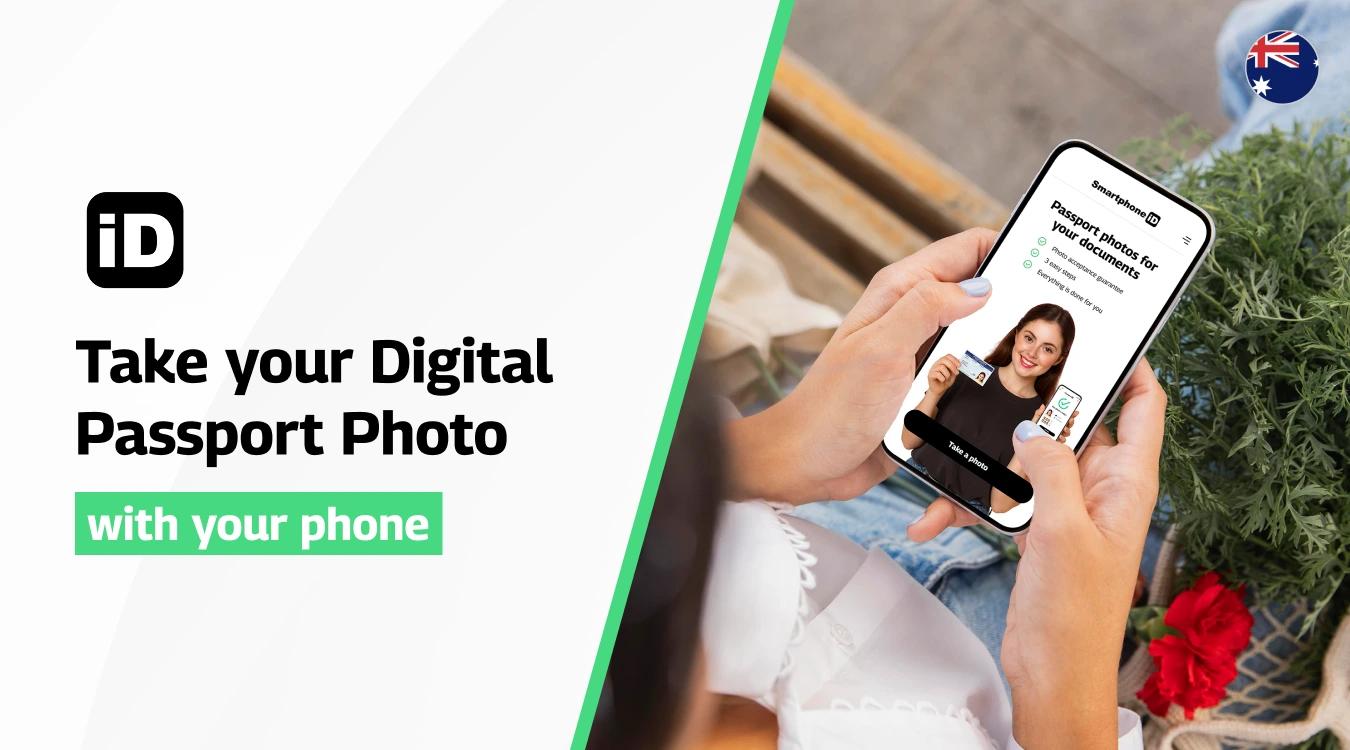
So, how do you take a good driver’s licence photo? The most important step is making sure your photo complies with the Australian government’s official requirements.
To make sure your photo meets these standards, follow these simple tips:
- Jewellery should not be worn, as it may obscure your features or cause glare.
- Avoid uniforms or colours that blend into the background — instead, wear plain, everyday clothing.
- Keep makeup natural and minimal; heavy or reflective makeup should be avoided.
- Maintain a neutral expression — no smiling, frowning, or raised eyebrows.
- If you normally wear glasses for driving, you should wear them in the photo (as long as they don’t create glare or shadows).
- Arrive on time for your photo appointment at the Service Centre (equivalent to the DMV in Australia).
If you’re unsure or want extra peace of mind, you can use the Smartphone iD passport photo maker, available online and on the Apple App Store and Google Play Store. The app will guide you step by step, help you meet all government requirements, and deliver 100% guaranteed photos in just minutes. This way, you can feel confident your driver’s licence photo will be accepted the first time.
Summary
There’s a lot of pressure when it comes to passing the tests and getting a driver’s licence — especially when you also need a compliant driver’s licence photo that meets all the official requirements.
Take the weight off your shoulders by using a professional driver’s licence photo service. Even better, you can use an app like Smartphone iD to get pre-approved photos checked by biometric experts, all from the convenience and comfort of your own home.
Why not start using Smartphone iD today?
Sources
https://www.vicroads.vic.gov.au/licences/evidence-of-identity/licence-photo-requirements


.bbc9bc36.svg)