A 2025 Guide to Understanding the Documents Required for a Health Card

Getting your health card can be a complex process, which is why we are writing this guide on understanding the documents required for a health card. Keep reading to learn all the required documents and where you can get your photo taken for the application.
Table of contents
1. What are the documents required for a health card
2. 1. OHIP-eligible immigration status or Citizenship
3. 2. Proof of residency in Ontario
5. What are the documents required for a health card renewal
6. How to apply for a health card
7. Where to submit your application form
8. What is the health card processing time
9. How to take your health card photo with your phone
What are the documents required for a health card?
Getting your health card in Ontario will require you to submit some essential documents. With that in mind, remember that you are required to apply for the card in person at an Ontario Service Centre. Nonetheless, here are the documents you will need:
1. OHIP-eligible immigration status or Citizenship
You will need one document proving it if you are a Canadian citizen. Otherwise, you will need to be OHIP-eligible through your immigration status. This could mean having permanent residency, applying for permanent residency, or having a valid work permit.
2. Proof of residency in Ontario
The following document must be proof of residency in Ontario. This could be in payment stamps or another document proving you reside within the province.
3. Proof of identity
Finally, you will need to provide proof of identity. This could be In the form of a driver’s license, ID, Passport, or another government-approved document.
What are the documents required for a health card renewal
If you have been outside of Ontario for more than 212 days in any 12 months, you may need to reapply for the card. That being said, if you need to reapply for your health card, you must follow the same process outlined below with the documents mentioned above.
How to apply for a health card
The Ontario government requires that you apply for a Health card in person at a ServiceOntario centre. You will be required to bring proof of citizenship, proof of residency, and proof of identity with you for the appointment.
Where to submit your application form
An application form for an Ontario health card can be submitted at any local Service Ontario Centre. To find a nearby centre, visit the Ontario government website or search on Google. You should be provided with a list of possible locations to help you with your application.
What is the health card processing time?
A health card from Ontario can take several weeks to process and be received. To speed up the process, have all the proper documents ready and a high-quality photo taken before going to your ServiceOntario appointment.
Smartphone iD is an excellent and low-cost app for taking professional photos using your mobile phone. Additionally, we ensure that the photos meet all government requirements and will pass inspection.
How to take your health card photo with your phone
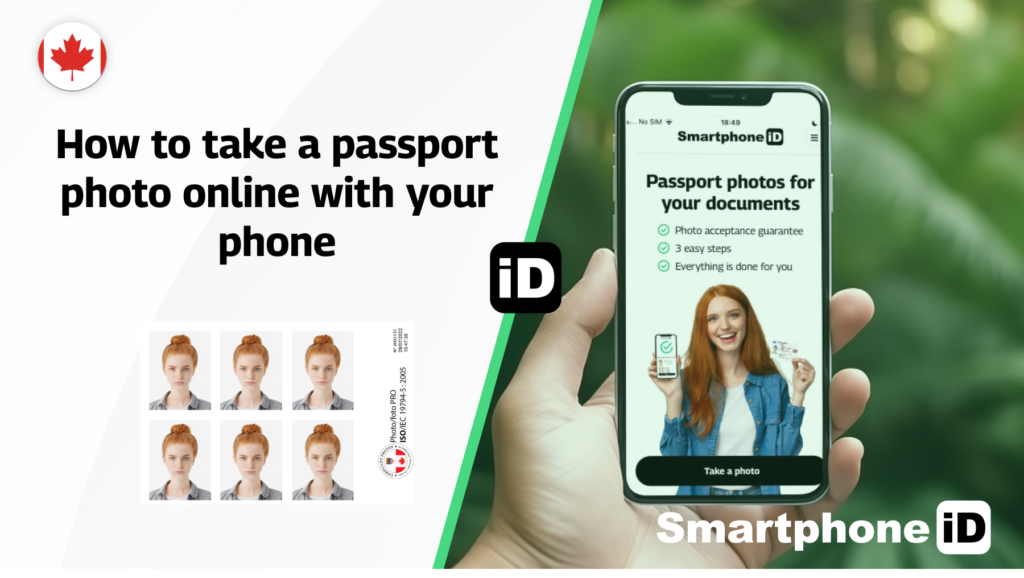
If you want to take an ID photo for your health card using your phone, then use the Smartphone iD app. The app is low-cost and will correctly resize and make any adjustments necessary to the photos taken. Therefore, you can be reassured that the photo will meet government requirements and pass inspection.
FAQ
Can you get a Canadian health card photo online?
Yes, the Smartphone iD app allows users to take their ID photo online using a smartphone device. It is affordable, convenient, and easy to use!
Can I scan a photo for a Canadian health card?
No, you want the photo to be printed on high-quality paper. The Smartphone iD app can professionally print Canadian visa photos on high-quality paper and ship them to your address.
Can I take my own photo for my Canadian health card?
Yes, the Smartphone iD app allows users to take a Canadian ID photo from home using their smartphone device.
How can I take a health card photo at home?
Yes, the Smartphone iD app is compatible with IOS or Android devices. It can then be used to take a visa photo online without needing to visit a physical store location.
Is ID photo different from a passport?
Yes, an ID photo is generally smaller than a passport photo. An app like Smartphone iD will ensure that the picture taken meets your country’s requirements.
How much does an ID/health card photo cost?
The cost of a visa photo will depend on the store where you have it taken. The cheapest alternative is to use the Smartphone iD app for all visa, ID, or passport photos.
Continue Reading
- A Walk-Through Guide on Getting an ID Card Photo
- A Walk-Through Guide on Getting an Ontario photo Card
- A Walk-Through Guide on Getting a BC ID Card Photo
- A Walk-Through Guide on Getting a Health Card Photo
- A Walk-Through Guide on How to Renew a Health Card


.bbc9bc36.svg)