How to change your name, address or photo on your UK photocard driving licence?
In the UK, all drivers must update their driver’s licence whenever they change their address, name or photo. Failure to inform the DVLA of your changes will risk being slapped with a hefty fine. The charge for changing your title is free, but changing your address and photo driving licence costs £14. Generally, you can complete the process online or by sending application forms to the DVLA.
Last Update: 4/30/2024
Table of contents
1. Changing address on UK driver’s licence
2. Changing a name on UK driver’s licence
3. Changing photo on UK driver’s licence
4. Change your photo quickly with Smartphone iD!
Changing address on a UK driver’s licence
If you want to update your address on your licence, you do so by following the procedures:
- Apply by post
- Apply online
Documents required:
- Your provisional driving licence
- Full driver’s licence
- Required documents
- Driving licence
- Address for the location you lived previously for 3 years
- A document showing you are a resident of Great Britain
- Not banned from driving
Changing a name on a UK driver’s licence
For this process, you can send the DVLA your old driving licence together with the correct application form and formal supporting documents to change your name.
The procedure for this application includes:
- Filling in the application form
- Send your filled form to DVLA accompanied by:
- Original documents confirming your new name
- A paper driving licence or a photocard
Changing the photo on a UK driver’s licence
You can’t simply update your photo. To get a new photo, you need to renew your licence, which involves applying for a new one. You can renew online if you have a valid UK passport https://www.gov.uk/renew-photo-driving-licence. This option also checks your photo eligibility. If not eligible for online renewal, fill out a D1 form, include a recent passport-sized photo, your current licence, and the renewal fee (unless exempt) and send it to the DVLA https://www.gov.uk/renew-photo-driving-licence.
When renewing online, you will need to:
- Provide the address where you have lived for the previous three years
- Have a valid UK passport
- Driver’s licence
- Have your National Insurance number
- Be a resident of Great Britain (People in Northern Ireland follow a different process)
More information on the official website.
Change your photo quickly with Smartphone iD!
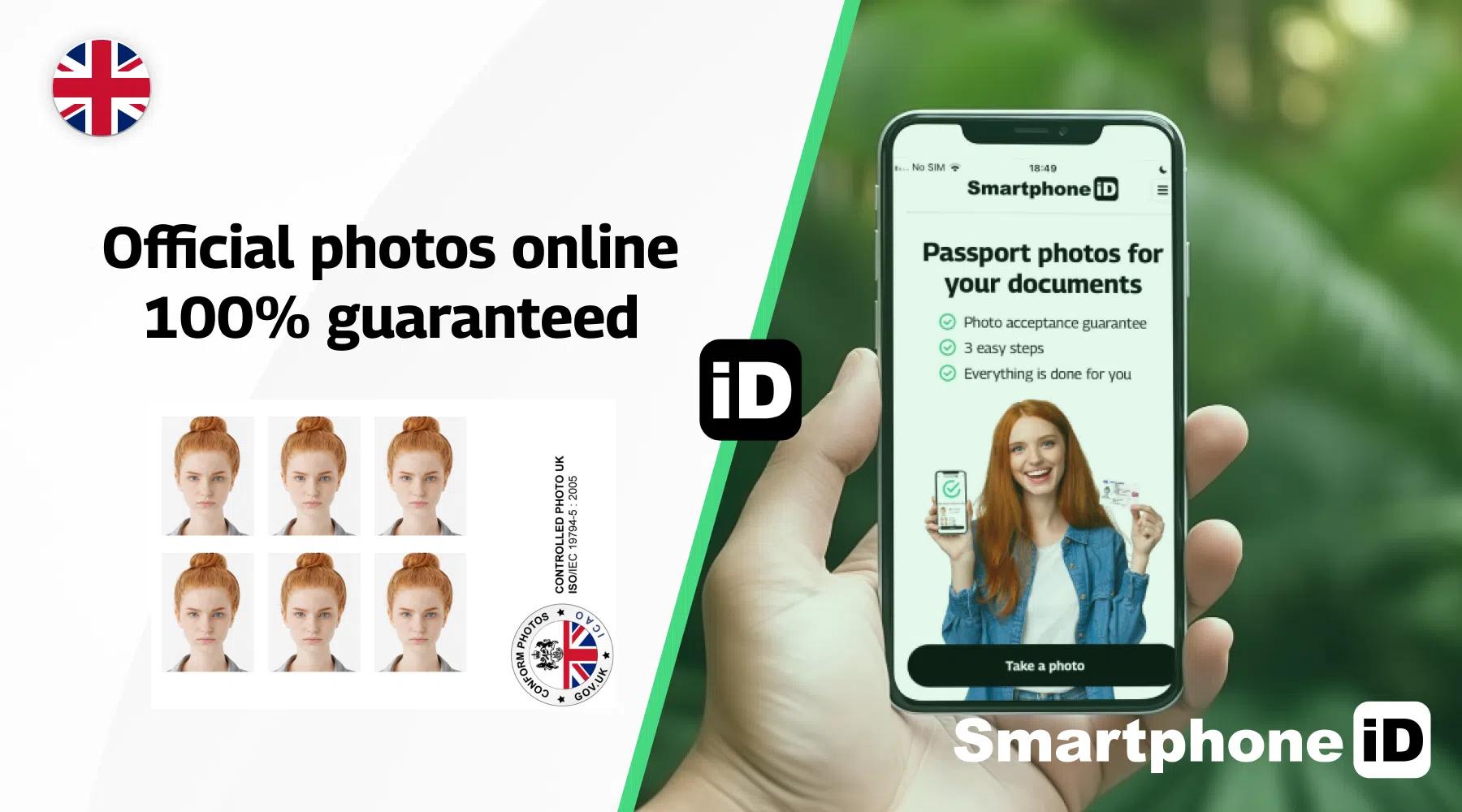
While you can’t directly update your UK driving licence photo itself, renewing your licence with an updated picture is straightforward. The Smartphone iD app can be a budget-friendly solution. Our app helps you capture a digital photo that meets the official UK driving licence photo requirements. After taking the photo, you’ll receive it via email along with a digital photo code. This code can then be used when renewing your licence online, potentially saving you time and effort on the application process.
Use Smartphone iD, our online ID photo available on the Apple or Google Play Store. You will get 100% guaranteed photos in a matter of minutes.
Learn more
- Everything You Need to Know About the UK Driving Licence
- Renew Your UK Driving Licence With Easy Steps (Cheaply)
- How to apply for your first provisional driving licence in the United Kingdom?
- How to replace a lost, stolen, damaged or destroyed driving licence in the UK?
- Getting a UK Full Driving Licence: Steps, Cost and Validity
- When do you need to exchange your UK paper driving licence for a photocard licence?
- A quick guide on driving licence categories and fees in the UK
- How long can you drive in the UK with foreign driving licence and how to exchange it?
- How to renew your UK driving licence if you’re 70 or over?
- How to renew a driving licence for the elderly?
- International driving permit


.bbc9bc36.svg)