Passport photo for Unided Kingdom visa: a complete guide
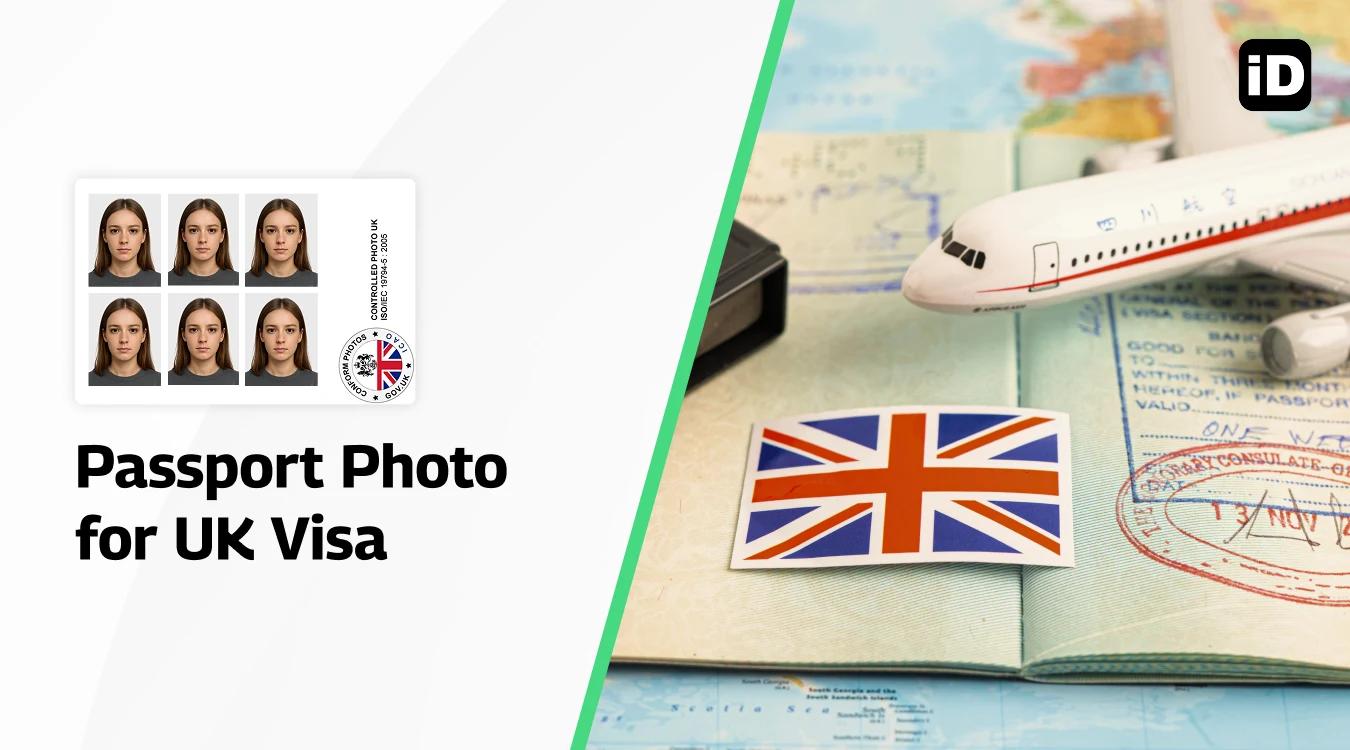
Quick read – for people in a hurry
- Size: 45mm high x 35mm wide.
- Background: plain cream or light grey only.
- Expression: neutral, no smiling or frowning.
- Quality: high resolution, well-lit, no shadows.
- Avoid: glasses, hats, editing, poor lighting.
- Easiest option: use Smartphone iD app – AI + expert verified, 100 % acceptance guarantee.
When applying for a UK visa, one of the essential requirements is providing a valid passport photo. This guide will help you understand the specific photo requirements for a UK visa, the common mistakes to avoid, and how to ensure your photo meets the necessary standards.
Last update: 29/09/2025
Table of contents
3 How to Submit Your UK Visa Passport Photo
4 Mistakes to Avoid When Getting a UK Visa Photo
5 How Our Tool Helps You Get the Perfect UK Visa Photo
6 Get Your UK Visa Photo with Smartphone iD
7 Final Checklist for a Successful UK Visa Photo
UK visa photo requirements
To make sure your UK visa photo is accepted, it must meet the following standards:
1. Photo dimensions
- The photo must be 45mm high x 35mm wide.
- From the crown of your head to your chin - must be between 29mm and 34mm high.
- It should be a clear, high-resolution image.
2. Color and background
- The photo should be in color, not black and white.
- The background must be plain cream or light grey without any shadows or patterns.
3. Head position and expression
- You should face the camera directly with your eyes open and mouth closed.
- The head must be in the center of the frame and should take up 70-80% of the photo.
4. Clothing and accessories
- No hats or head coverings unless worn for religious reasons.
- Avoid wearing glasses, especially if they cause reflections or shadows on your face.
- No sunglasses or tinted glasses.
5. Lighting and focus
- The photo should be well-lit without shadows on your face or background.
- The image must be in focus, clear, and free of marks or creases.
Common mistakes to avoid
Many applicants make simple errors that can lead to the rejection of their visa application. Here are some common mistakes to avoid:
- Incorrect size: Ensure the photo is exactly 45mm x 35mm.
- Wrong background color: The background must be light grey or cream.
- Expression: Smiling or frowning is not allowed; keep a neutral expression.
- Shadows or reflections: Check the lighting to avoid any shadows or glare.
- Editing or retouching: The photo must be natural and unaltered by digital tools.
How to submit your UK visa passport photo
For most UK visa applications, you can upload your passport photo online as part of the digital submission process. However, some visa categories may require physical copies to be sent by mail. Make sure to carefully read the instructions provided during your visa application process.
Mistakes to avoid when getting a UK visa photo
When getting a UK visa photo, it’s essential to avoid common pitfalls that could lead to rejection of your application. Here are some mistakes to watch out for, along with how our tool can help you avoid them:
Ignoring specifications
Ensure your photo meets all official guidelines regarding size and background color.
Poor quality images
Avoid using low-resolution images or photos with poor lighting.
Incorrect framing
Ensure your face is properly centered and occupies the required dimensions.
Wearing accessories that obscure your face
Glasses can reflect light, and head coverings may cast shadows.
Not following expression guidelines
Remember to maintain a neutral expression—no smiling or frowning.
By utilizing our tool, you can easily avoid these common mistakes and ensure that your UK visa photo meets all necessary criteria, facilitating a smooth application process.
How our tool helps you get the perfect UK visa photo
Our tool offers several features to help you capture a high-quality UK visa photo:
- Guidance on facial expression: Ensures your photo meets the expression requirements.
- Tips on positioning accessories: Ensure your face is clearly visible without obstruction.
- Guidelines and cropping features: Helps you frame your photo correctly according to UK visa specifications.
- Lighting and composition assistance: Ensures you capture high-quality images with optimal lighting conditions.
We will guide you through the exact requirements, ensuring full compliance with UK visa photo standards.
Get your UK visa photo with Smartphone iD
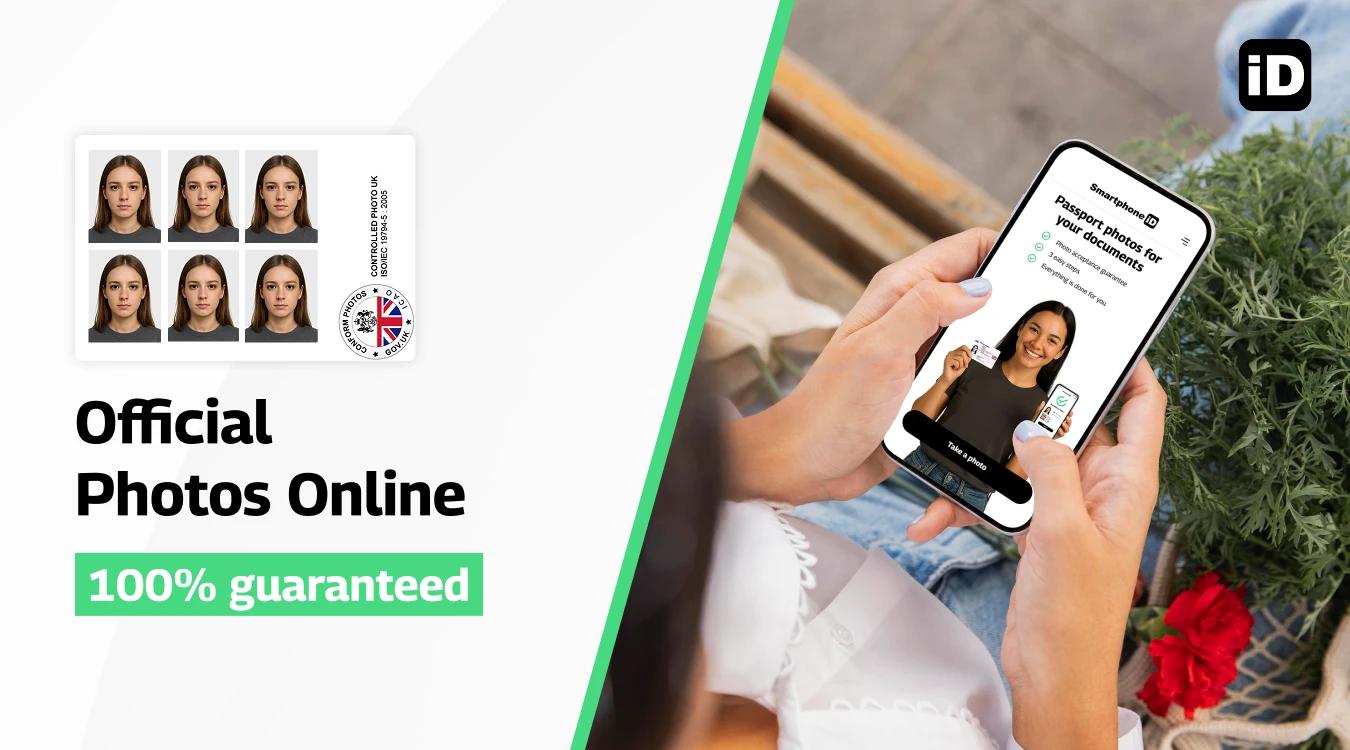
With Smartphone iD passport photo app, you will get 100% guaranteed photos in a matter of minutes. Available on Apple or Google Play Store.
Our advanced AI and team of experts verify your photo to ensure it meets all requirements. Once approved, we deliver the digital photo directly to your email, allowing for easy printing or online submission.
How to take a compliant UK visa photo using our tool
Taking a compliant UK visa photo has never been easier, especially with the help of Smartphone iD, our online visa photo tool, which allows you to create a high-quality photo directly from your smartphone, ensuring that it meets all the requirements for your visa application.
Steps to use Smartphone iD
- Use our app from the Apple or Google Play Store, or conveniently use our online tool by clicking the "Take a Photo" button.
- Follow the instructions: The app provides step-by-step instructions on how to position yourself, including guidance on lighting, background, and facial expression.
- Capture your photo: Once you are set up, use the app to take your photo. The app’s built-in AI will ensure that your head and face are correctly aligned according to the UK visa requirements.
- Automatic verification: After capturing the image, the app automatically checks it for compliance with the official guidelines, including size, background color, and facial visibility.
- Receive your photo: Once approved, you will receive the digital version of your UK visa photo directly in your email, along with a printout template.
This easy process not only saves time but also minimizes the risk of errors, giving you peace of mind as you complete your UK visa application. With Smartphone iD, you can confidently submit your application, knowing that your photo meets all necessary criteria.
Final checklist for a successful UK visa photo
Before submitting your photo, make sure to double-check the following:
- Photo size: 35 mm x 45 mm
- Plain, light-colored background
- Neutral expression, head centered
- High resolution and a clear image
- No glare, shadows, or obstructions on your face
- No digital alterations
- Use Smartphone iD: an inexpensive solution for a valid visa Photo
FAQs
Is a matte or glossy finish preferred for UK visa photos?
For a UK visa photo, neither matte nor glossy finish is specifically required by the UK government. However, it is generally advisable to use a matte finish to avoid reflections and glare, which could cause issues during scanning or verification.
How do I attach my passport photo to the UK application?
For online applications, you will need to upload a digital copy of your passport photo. If you’re submitting a paper application, you will need to print the photo and attach it to the form in the designated area using an adhesive—do not staple the photo.
How many photos are required for a UK visa?
Most UK visa applications require one passport-sized photo. However, it is always a good idea to check the specific requirements for the visa category you’re applying for, as some may require two printed photos.
Can I take a UK passport photo on my phone?
Yes, you can take a UK visa photo on your phone, as long as it meets the official guidelines regarding size, background, lighting, and facial expression. Using apps like Smartphone iD ensures your photo complies with the UK government’s requirements.
Can I download my digital passport photo?
Yes, many online services, including Smartphone iD, allow you to download your digital passport photo once it has been verified and approved. You can then upload it to your UK visa application or print it if necessary.
What are the size requirements for a UK visa photo?
The UK visa photo must be 45 mm high x 35 mm wide. If submitting a digital image, it should be at least 600 pixels wide and 750 pixels tall with a file size of at least 50KB but no larger than 10 MB.
What background should I use for my UK visa photo?
The background of your UK visa photo must be plain cream or light grey, without any shadows or patterns. A solid, light-colored wall works well when taking the photo at home.
Can I wear glasses in my UK visa photo?
It’s recommended that you do not wear glasses in your UK visa photo, as they can cause reflections or obscure your eyes. If you must wear glasses for medical reasons, make sure there are no reflections, glare, or shadows on your face.
What facial expression is allowed in a UK visa photo?
You must maintain a neutral expression with your eyes open and mouth closed in your UK visa photo. Smiling, frowning, or raising your eyebrows is not allowed.
Sources
https://www.gov.uk/standard-visitor
https://visas-immigration.service.gov.uk/alt-language-selection-skip-visa
Read more
- Schengen Visa Photo Size And Requirements
- Tips For Using US Visa Photo App iPhone
- How to Get Russian Visa Passport Photo?
- Photo Studio for US Visa Photo Near Me


.bbc9bc36.svg)