How to make a passport photo for UK passport?
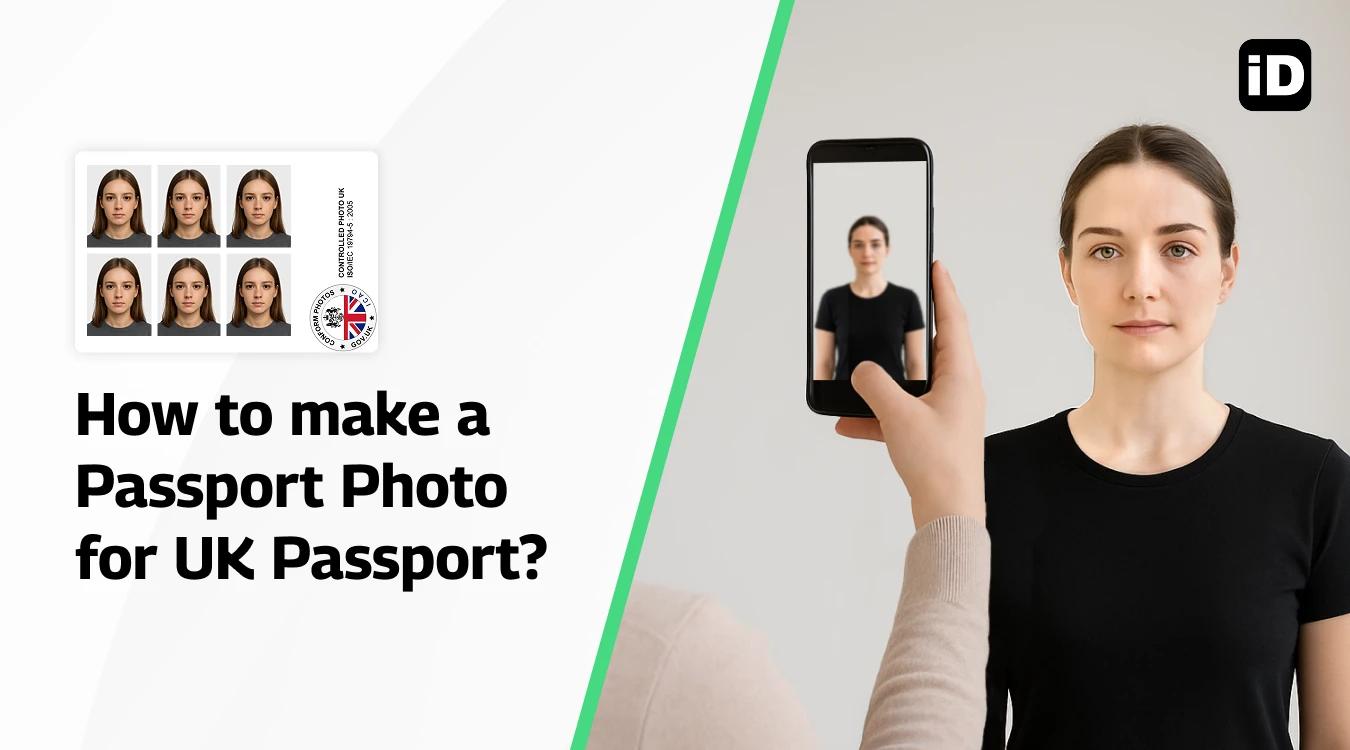
Quick Read – For People in a Hurry
- Size: Printed – 45×35 mm | Digital – JPEG, min. 600×750 pixels, in colour.
- Background: Plain light (white, cream, light grey), no shadows or objects.
- Pose: Neutral expression, mouth closed, eyes open, facing camera. Glasses ok if no glare.
- Where to get photos: Timpson, Max Spielmann, Asda, Boots, or local studios (£6–20).
- Easiest option: Use Smartphone iD app – AI + expert verified, 100% acceptance guarantee.
Getting a photo for your UK passport right the first time is crucial for a smooth application process. If your photo doesn't meet the rules, you may have problems with your application or when you travel.
This comprehensive guide covers everything you need to know about UK passport photo requirements, from technical specifications to where to get them taken.
Last update: 24/09/2025
Table of contents
- What are the requirements for a passport photo for a UK passport?
- Common mistakes to avoid
- Where to make a photo for a uk passport and what are the prices?
What are the photo requirements for a UK passport?
Here are the rules that you need to know about taking the perfect photo for your UK passport:
Digital photo requirements
For online passport applications, your digital photo must meet these technical specifications:
Size and resolution
- Minimum dimensions: 600 pixels wide × 750 pixels tall
- File size: Between 50KB and 10MB
- Format: JPEG only
- Colour: Full-colour photographs only (no black and white)
Quality standards
- High resolution and sharp focus
- No pixelation or compression artefacts
- Natural skin tones and accurate colours
- No digital filters or effects applied
Printed photo requirements
If you're applying using a paper form, you'll need printed photos with these specifications:
Physical dimensions
Exact size: 45mm wide × 35mm tall (approximately 1.8" × 1.4")
Paper quality: High-quality photographic paper
Finish: Matte or glossy finish acceptable
Quantity: 2 identical photos required per application
Important notes
- Photos must not be cut down from larger pictures
- No borders or white edges around the photo
- Photos must be unmarked on both sides (except for countersigning when required)
Background and lighting standards
Your photo must have a plain light-coloured background – without texture or pattern. Acceptable colours include:
- White (most recommended)
- Light grey
- Cream/off-white
What's not allowed
- Patterned or textured backgrounds
- Dark colours (navy, black, brown)
- Busy backgrounds with objects
- Shadows or uneven lighting on the background
Lighting requirements
Balanced light – no shadows on your face or behind you is essential. Proper lighting should:
- Illuminate your face evenly
- Avoid harsh shadows under your nose, eyes, or chin
- Prevent overexposure that washes out facial features
- Eliminate shadows cast on the background behind you
Facial expression requirements
You have a plain expression – no smile and mouth closed is the standard requirement. This means:
Neutral expression: No smiling, frowning, or raised eyebrows
Mouth closed: Lips should be relaxed and together
Eyes open: Your whole face is visible with your eyes open
Looking straight: Face the camera directly, not at an angle
Hair and facial features
Hair: Can be down as long as it doesn't cover your face, eyes, or cast shadows
Facial hair: Allowed if it's your normal appearance
Face coverage: No objects behind you and nothing covering your face
Head position: Centred in the frame with adequate space around your head
Special rules for children
Children under 1 don't have to have their eyes open, and children under 6 don't need to have a plain expression. However, they still need to:
- Face the camera directly
- Be photographed alone (no other people in the photo)
- Have a clear, unobstructed view of their face
Glasses guidelines
While glasses are technically allowed, there are strict requirements:
Frame visibility: Frames must not cover your eyes
No reflections: There are no reflections or glare (if you have to wear glasses)
Clear lenses: No tinted or coloured lenses
Proper fit: Glasses should sit normally on your face
Professional recommendation
Due to the high risk of reflection, glare, and shadow issues, it's strongly recommended to remove glasses for your passport photo unless absolutely necessary for medical reasons.
Head coverings and religious wear
You're not wearing headwear (unless for religious or medical reasons) is the general rule. When religious or medical headwear is worn:
- Must not cover the face or cast shadows
- Facial features from the chin to the forehead must be clearly visible
- Must be worn for genuine religious or medical reasons
- Should be your normal daily appearance
Jewelry and make-up
Earrings: Small, non-reflective earrings are acceptable
Make-up: Natural make-up is fine, but avoid heavy or dramatic looks
Facial piercings: Small, non-reflective piercings are generally acceptable
Common mistakes to avoid
Wrong file size: Photos too small (under 600×750 pixels) or too large (over 10MB)
Incorrect format: Using PNG, GIF, or other formats instead of JPEG
Poor quality: Blurry, pixelated, or low-resolution images
Off-centre positioning: Face not centred in the frame
Wrong proportions: Head too large or small in the frame
Background issues: Shadows, patterns, or incorrect colours
Facial expression: Smiling, mouth open, or eyes closed
Hair problems: Covering face or casting shadows
Lighting problems: Harsh shadows or overexposure
Editing: Using filters, smoothing, or other digital enhancements
Where to get a photo for a UK passport, and what are the prices?
Most UK passport applications are now online, meaning digital photos are preferred. Printed photos are rarely needed, except for paper applications.
Best option – Smartphone iD app
- Cost: around £5.99–£7.99
- Available on the Apple App Store and Google Play Store
- Uses AI + expert verification to ensure compliance with UK government, ICAO, and biometric standards
- Comes with a 100% acceptance guarantee
High-street options (printed or digital codes):
- Timpson – around £8–£10
- Max Spielmann – about £8–£10
- Boots – from £8–£12
- Asda – about £6–£8
- Local photography studios – typically £10–£20
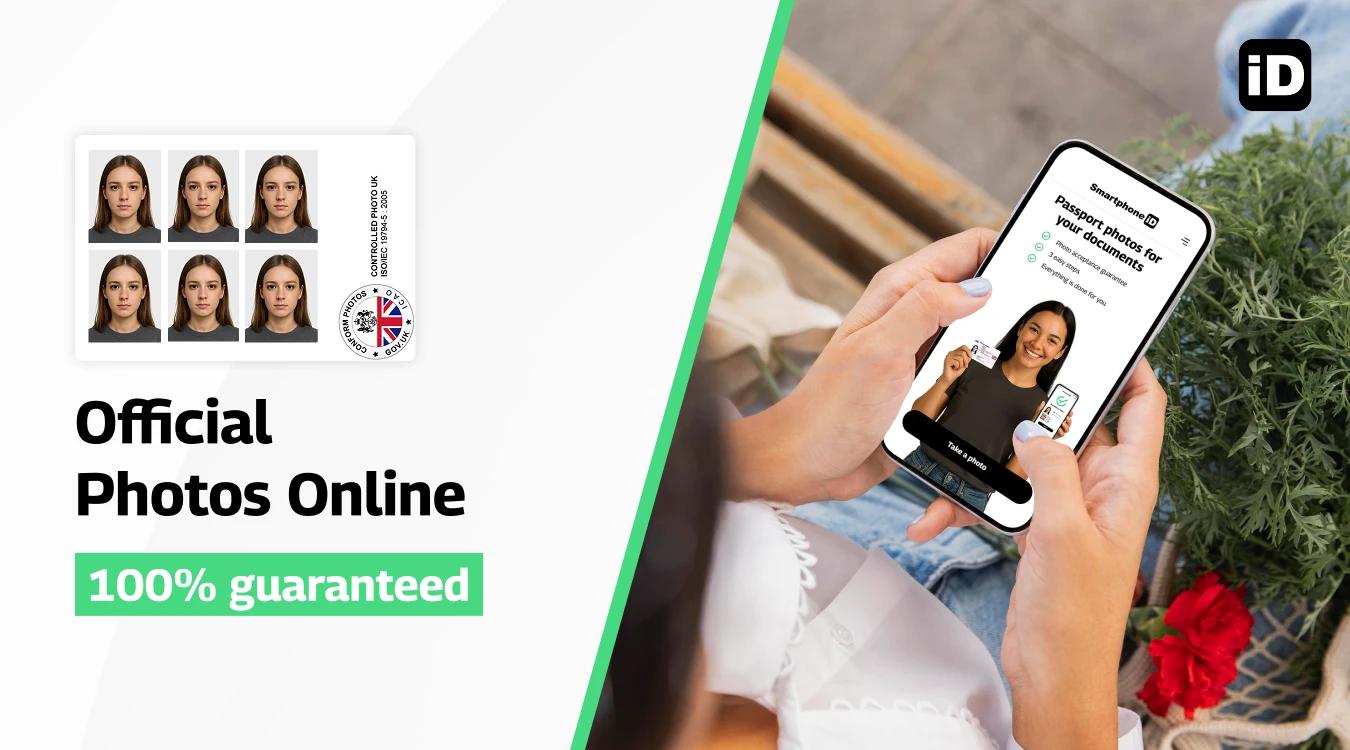
With Smartphone iD: online passport photo maker, you can take your passport photo at home in minutes that meets the ICAO standards and receive a digital photo code for online applications (or printed photos delivered, if needed). It’s reliable, affordable, and saves you a trip.
Smartphone iD has a reputation for its photos never being rejected, and this is exactly what you should opt for.
FAQS
What size should a photo for a UK passport be?
A UK passport photo must be 45mm high and 35mm wide. The head (top of head to chin) should measure between 29mm and 34mm high. This size applies to printed photos; digital photos for online applications have pixel requirements instead.
How many photos do I need for a UK passport application?
You need to submit 2 identical printed photos with a paper application. For online applications, you only need one digital photo meeting the specified guidelines.
Can I wear glasses in my UK passport photo?
Yes, glasses are allowed if your eyes are clearly visible and there are no reflections, glare, or tinted lenses obscuring your eyes. Sunglasses are not allowed.
What background is required for UK passport photos?
The background must be a plain, light-colored backdrop such as white, cream, or light grey with no shadows, objects, or patterns.
Can I smile in my passport photo?
No smiling is allowed. You must have a neutral facial expression with your mouth closed and eyes open, looking directly at the camera.
Are digital UK passport photos accepted?
Yes, digital photos can be submitted for online passport applications. The digital image must be clear, in colour, unedited, at least 600 pixels wide by 750 pixels tall, file size between 50KB and 10MB, and follow the pose and background rules.
Can I use a selfie for a UK passport photo?
No, selfies are not acceptable as they often do not meet size and head position requirements. A helper should take the photo, or use a professional photo booth or studio.
Do I need to remove my head covering for the photo?
Head coverings are only allowed for religious or medical reasons. If worn, the full face must be visible, with no shadows or obstruction.
How recent must the passport photo be?
The photo must have been taken within the last month to ensure it accurately reflects your current appearance.
Can I wear makeup in my passport photo?
Yes, but the makeup should be natural and not drastically change your appearance. The photo should represent how you normally look.
Can I take a passport photo on my phone?
Yes, you can use your phone to take your passport photo. However, be sure to:
- Use Smartphone iD to take your passport photo
- Ensure proper lighting and a plain white background.
- Have someone else take the photo for you (selfies are not allowed).
- Check the photo against the official requirements using our passport photo validator to ensure it meets all the specifications.
What happens if my passport photo is rejected?
If your photo is rejected, you will be notified to upload a new photo. The application will be delayed until a compliant photo is submitted.
Sources
https://www.gov.uk/photos-for-passports
- Examples of Rejected and Accepted UK Passport Photos
- Can You Smile in a UK Passport Photo?
- Who Can Sign United Kingdom Passport Photos: A Complete Guide
- Online Digital Passport Photo Checker ( AI+Expert check)
- Make your ID photo online Quickly & Cheaply
- How to Take a Passport Photo at Home (inexpensively)!
- What is the best passport photo app on iPhone?
- Which UK passport photo app to consider ?
- Digital Passport Photo Code in the UK
- What is the correct passport photo size in the UK?


.bbc9bc36.svg)