Do’s and Don’ts for passport photos in Ireland
Being a citizen of a country, the passport is one of the most important documents as it represents your citizenship. Having this amount of significance, the document should be made and kept very carefully and accurately. Getting your passport rejected is one of the worst pieces of news that no one wants to hear.
The photograph not being up to the point is a general reason for a passport’s rejection.
Today, Irish Passports stand as one of the most powerful passports in the world. Being highly recognized, it also comes with a set of rules. The country’s passport photograph rules allow its citizens to take and upload their photos from home, which is much more efficient and saves their time and money as well. But there are certain Do’s and Don’ts you should keep in mind before submitting your photograph so you can be sure that it won’t get rejected.
Table of contents
1. Do’s for passport photos in Ireland
2. Don’ts for passport photos in Ireland
3. Use Smartphone iD app to receive a valid photo in correct format
Do’s for passport photos in Ireland
Before you go ahead and submit your photograph, make sure to check out these important details:
- The photograph you are submitting must not be less than 715 pixels wide and 951 pixels in height.
- If you submit it online, your photo should be in JPEG format.
- If submitted in paper form, the photograph’s size should be within 35-38mm and 45-50mm in width and height, respectively.
- Your head should be the center of the photo, and your face must take up around 70%-80% of the photograph.
- The picture must be clean and well-lighted.
- Any visible birthmark on the face should also be visible in the photograph.
- It must be taken against a white or light-gray plain background.
Don’ts for passport photos in Ireland
- Your digital photograph should not be a scanned one.
- If you’re submitting your photo online, it should not be larger than 9 megabytes.
- The photograph must not be blurry or unfocused.
- Any changes in a photograph, like digital enhancement,s are strictly prohibited.
- Don’t make any strong or strained facial expressions while getting clicked for your photograph.
- Your hair should be well-placed and should not cover your eyes or face.
- While posing for your photograph, look straight into the camera without any tilting and with only a neutral expression.
- Make sure even light falls on your face. It is forbidden to have a shadow on your face, neck, and behind you. Also, yellow light is forbidden; it’s best to take a photo during daylight hours.
- Any kind of head covering is not allowed, excluding only religious or medical ones.
- Noticeable accessories are prohibited in the photographs.
- In the case of prescribed glasses, the glass must only be transparent so that the eyes are visible, and also make sure there is no reflection on the glass.
Use Smartphone iD app to receive a valid photo in the correct format
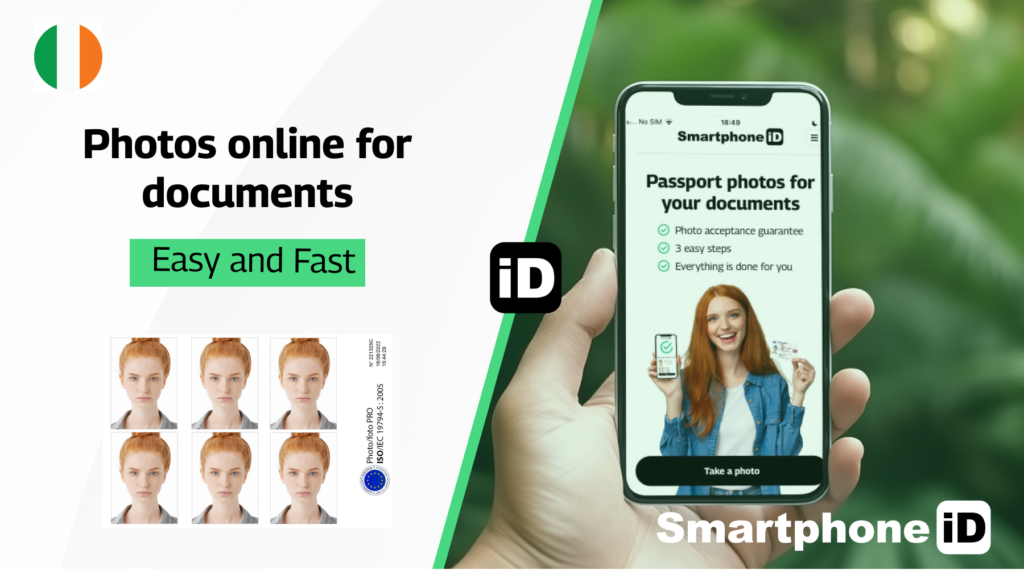
Smartphone iD is your one-stop solution for valid photos at home. It’s an app available on Android and iPhone. Take unlimited shots to get a photo that you like, and once our software and team have approved it, receive it shortly in your email and/or within a few days in your mailbox.
Our artificial intelligence and human control system guarantee 100% that your photo will be accepted and conform to the mandatory ICAO standards and the standards of Ireland’s Passport service.
Continue Reading
- What are Ireland’s Biometric Passport Photo Requirements?
- What is the size of passport photo in Ireland?
- How to Take a Passport Photo in Ireland
- ICAO Guidelines for Passport Photos in Ireland
- Passport Photo App in Ireland (save time + money by choosing the right app.)
- What is passport photo price in Ireland?
- How much do passport photos in a photo booth cost in Ireland?
- The Ultimate Guide to Get Digital Passport Photos
- Digital Passport Photos near me in Ireland
- Best Places To Print Passport Photo In Ireland
- Baby Passport Photo: Top Tips to Get It Right the First Time


.bbc9bc36.svg)