How to get a passport photo for your PAN card
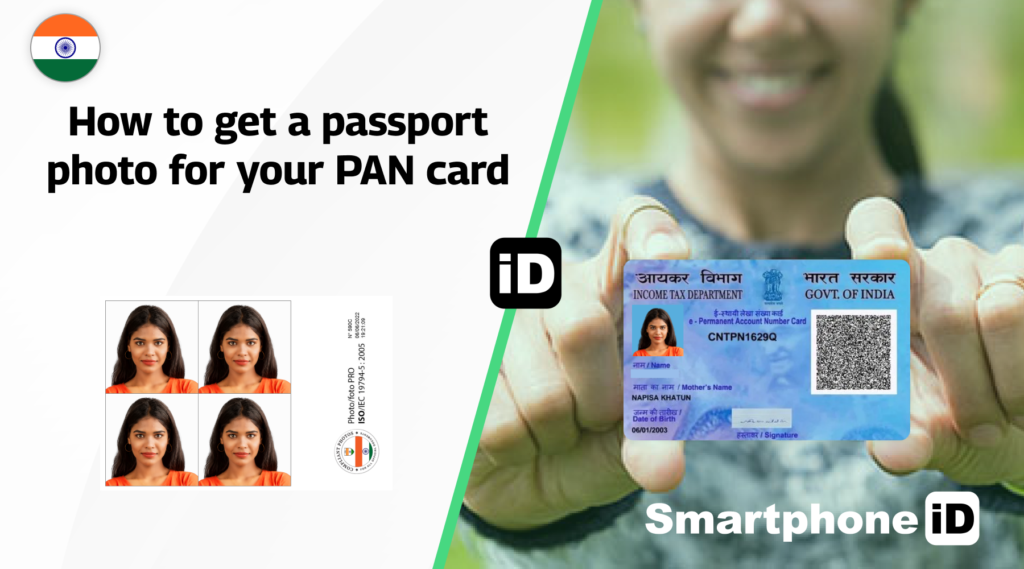
A Permanent Account Number (PAN) card is a unique 10-digit alphanumeric identifier issued by the Income Tax Department of India. This article will guide you through the requirements for a PAN card, passport photo and how to ensure your photo is accepted by the Income Tax Department. We’ll also discuss how the Smartphone iD app can help you get the perfect passport photo from the comfort of your own home.
Table of Contents
1. Passport photo size for Indian PAN card
2. How to submit your photo for Indian PAN card application
3. Get your PAN card passport photo with Smartphone iD
Passport photo size for Indian PAN card
The passport photo for your Indian PAN card application must meet the following size requirements:
- The photo should measure 2 inches by 2 inches (51mm x 51mm)
- Your face should be centered and cover about 60-70% of the photo
- The background must be plain white or off-white
- The photo should be clear, well-lit, and in focus
- You must have a neutral facial expression and look directly at the camera
- No hats, sunglasses, or other accessories that obstruct your face are allowed
How to submit your photo for the Indian PAN card application
Once you have taken a passport photo that meets the required specifications, you can submit it with your PAN card application following these steps:
- Ensure that your photo is printed on high-quality photo paper
- Fill out the PAN card application form (Form 49A for individuals or Form 49B for organizations)
- Attach the printed photo to the designated space on the application form
- Gather all required supporting documents, such as proof of identity and address
- Submit the completed application form, passport photo, and supporting documents to the nearest PAN card processing center or authorized agent
Alternatively, you can apply for a PAN card online through the official Income Tax Department website or authorized portals. In this case, you will need to upload a digital copy of your passport photo that meets the specified requirements.
Get your PAN card passport photo with Smartphone iD
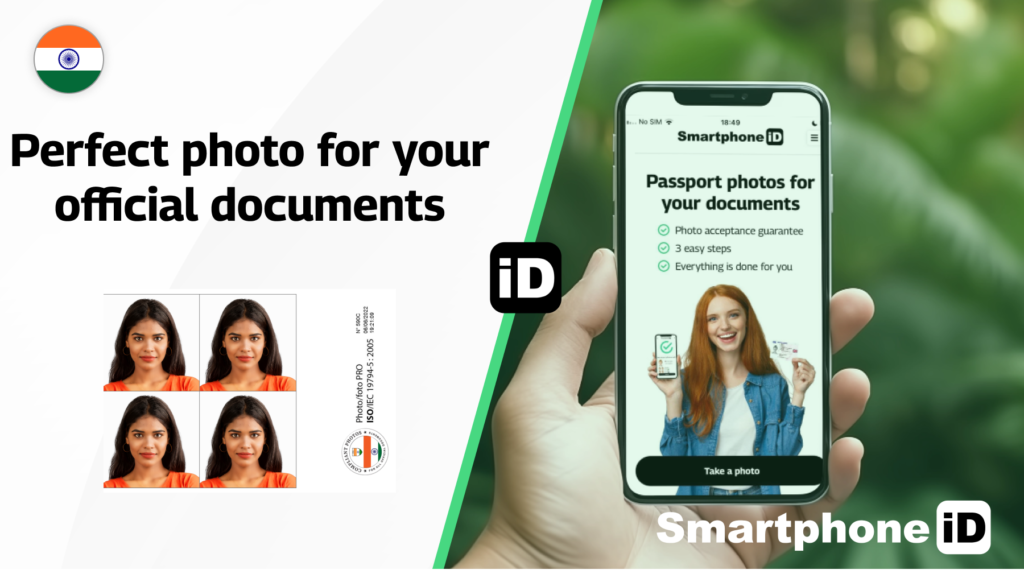
Passport photo app Smartphone iD is a user-friendly app that simplifies the process of taking a passport photo for your Indian PAN card application. Our app guides you through the photo-taking process, ensuring that your picture meets all the requirements. With real-time instructions and a built-in grid to help you frame your shot, the app makes it easy to capture the perfect passport photo.
Once you’ve taken a photo you’re satisfied with, our team of experts will verify that it meets all the official requirements for a PAN card application. After verification, the final digital photo will be sent directly to your email, ready for you to print and submit with your application. Smartphone iD is the most cost-effective solution for getting a passport photo for your Indian PAN card application.
Sources
https://www.incometaxindia.gov.in/Pages/tax-services/apply-for-pan.aspx
https://www.onlineservices.nsdl.com/paam/endUserRegisterContact.html
https://cleartax.in/s/pan-card-passport-photo-size


.bbc9bc36.svg)