New Zealand Kiwi access card photo: a comprehensive guide
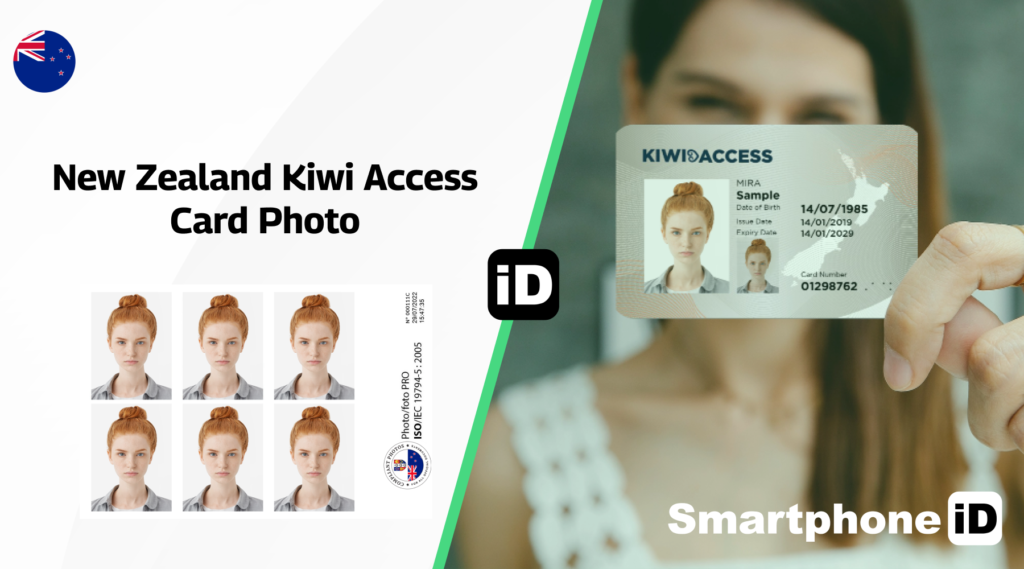
The Kiwi Access Card is a form of official photo identification in New Zealand, primarily used to prove age and identity for individuals who may not have a driver’s license or passport. Issued by the Hospitality New Zealand organization, the card is popular among young people, travelers, and those who require an easily accessible form of identification. If you’re applying for a Kiwi Access Card, one of the most important requirements is submitting a compliant photo. Here’s everything you need to know to get your Kiwi Access Card photo right.
Table of Contents
1. Kiwi Access Card Photo Requirements
2. 1. Photo Size and Dimensions
5. 4. Head and Facial Expression
7. 6. Clothing and Accessories
8. How to Take a Perfect Kiwi Access Card Photo
9. Submitting Your Kiwi Access Card Photo
11. Get your New Zealand Kiwi Access Card passport photos with Smartphone iD
12. Final Checklist for Kiwi Access Card Photo
Kiwi access card photo requirements
To ensure your Kiwi Access Card application is accepted, you need to provide a photo that meets specific guidelines. These requirements are in place to maintain consistency and ensure that the photo on your card clearly identifies you. Here are the key criteria:
1. Photo size and dimensions
- The required photo size is 35mm x 45mm (width x height).
- It must be a recent, clear, and true likeness of your current appearance, taken within the last six months.
2. Background
- The background of the photo should be plain, light-colored, and free from shadows or patterns.
- A white or light grey background is preferred to ensure clarity and contrast.
3. Photo quality
- The image must be in color, with high resolution, and no blurring or pixelation.
- Make sure the photo is evenly lit, avoiding any shadows on your face or in the background.
- No overexposure or underexposure is allowed.
4. Head and Facial Expression
- Your face should be centered and occupy approximately 70-80% of the frame.
- Maintain a neutral expression, with your mouth closed and eyes looking directly at the camera.
- Your head should not be tilted, and both ears must be visible.
- Hair must not cover your eyes or face.
5. Glasses and headwear
- If you wear glasses, make sure there is no glare on the lenses, and your eyes are clearly visible.
- Tinted or reflective glasses are not allowed.
- Head coverings are only permitted for religious or medical reasons, and they must not obscure your face.
6. Clothing and accessories
- Wear clothing that contrasts with the background, preferably solid colors.
- Avoid wearing anything too bright or patterned, as it can affect the clarity of the photo.
- No hats, scarves, or sunglasses are permitted unless for religious purposes.
How to take a perfect Kiwi access card photo
Your passport photo must be a recent, color portrait taken within the last six months. Remember, selfies aren’t allowed.
- Ensure your photo meets the requirements. Follow the photo guidelines carefully to avoid delays in processing. Any mistakes, such as improper lighting or incorrect dimensions, can result in rejection.
- Common reasons passport photos get rejected. The most frequent reasons for rejection include taking a selfie, having shadows on your face or in the background, or using an improper backdrop.
- Passport photo guidelines: These steps will help you meet all the necessary photo requirements for your passport.
- Get someone to take your photo – No selfies. Ask someone else to take the photo for you. Selfies tend to distort your facial features and will be rejected.
- Use a plain, light-colored background. Make sure the background is simple and light-colored, like grey, cream, or light blue, with no objects or shadows behind you.
- Center your head and leave space around it. Your head should be centered in the photo, with visible space around the sides and top, including part of your shoulders and upper chest.
- Look straight at the camera with your face fully visible. Face the camera directly with your whole face in clear view. Keep your hair away from your eyes and the sides of your face.
- Maintain a neutral expression – No smiling. Keep a neutral facial expression with your mouth closed—smiling or any other expressions are not allowed.
- Remove tinted or thick-framed glasses. You can wear regular prescription glasses as long as they’re not tinted or thick-framed. Ensure no glare or reflection obscures your eyes.
- No headwear unless for religious or medical reasons. Hats, hoods, or headbands aren’t allowed unless worn for religious or medical reasons. In such cases, make sure your face is clearly visible.
- Don’t use filters or edit the photo. Your passport photo must be natural—no filters or digital editing is allowed.
- Submit a color photo. Make sure your photo is in color; black and white photos won’t be accepted.
Submitting your Kiwi access card photo
Once you’ve taken or received your compliant photo, you will need to submit it along with your Kiwi Access Card application. Applications can be made online or at select locations in New Zealand, such as participating New Zealand Post offices.
- Digital submission: If applying online, upload the digital copy of your photo as part of the application process.
- Printed submission: If applying in person, ensure that your printed photo meets the size and quality requirements, and attach it to the form as instructed.
Common mistakes to avoid
Here are some typical errors that can cause your Kiwi Access Card photo to be rejected:
- Wearing inappropriate accessories like hats or sunglasses.
- Using a photo that is older than six months or no longer reflects your current appearance.
- Poor lighting or shadows on your face or background.
- Tilted head or unclear facial features.
- Digital alterations or filters that affect the natural look of your photo.
Get your New Zealand Kiwi access card passport photos with Smartphone iD
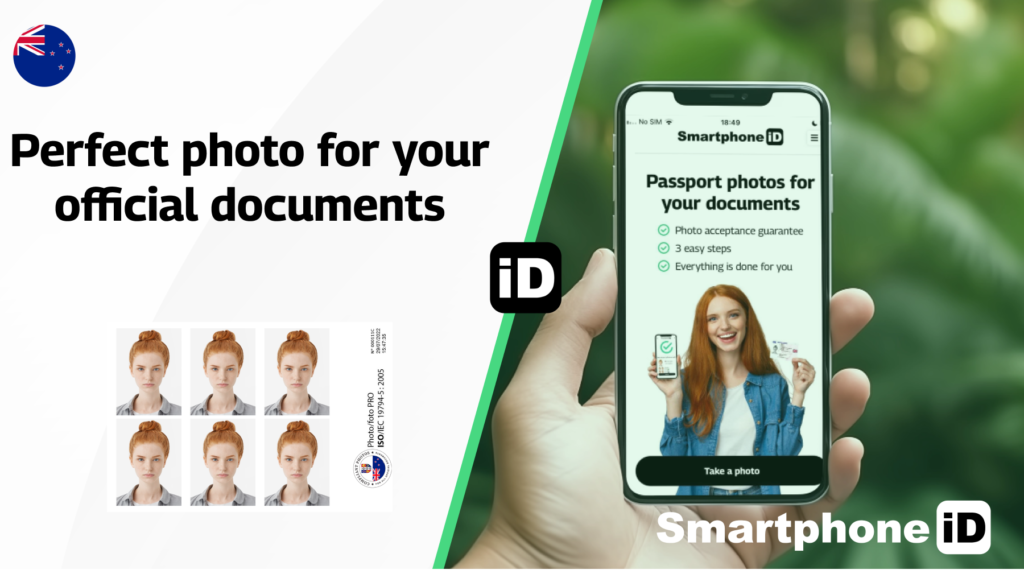
With the Smartphone iD official biometric photo maker, you can obtain a valid New Zealand Kiwi Access Card photo directly from your smartphone.
Simply use Smartphone iD, also available on Apple Store or Google Play Store, select “New Zealand Kiwi Access Card,” and follow the real-time instructions to capture a photo.
Our advanced AI and team of experts verify your photo to ensure it meets all requirements. Once approved, we deliver the digital photo directly to your email, allowing for easy printing or online submission.
With Smartphone iD, you’ll receive high-quality, compliant passport photos without the hassle of having to visit a physical studio, saving you valuable time and money.
Final checklist for Kiwi access card photo
Before submitting your photo, make sure to double-check the following:
- Photo size: 35mm x 45mm
- Plain, light-colored background
- Neutral expression, head centered
- High resolution and clear image
- No glare, shadows, or obstructions on your face
- No digital alterations
- Use Smartphone iD: inexpensive solution for valid Kiwi Access Card Photo
Sources


.bbc9bc36.svg)