New Zealand visa passport photo: a comprehensive guide
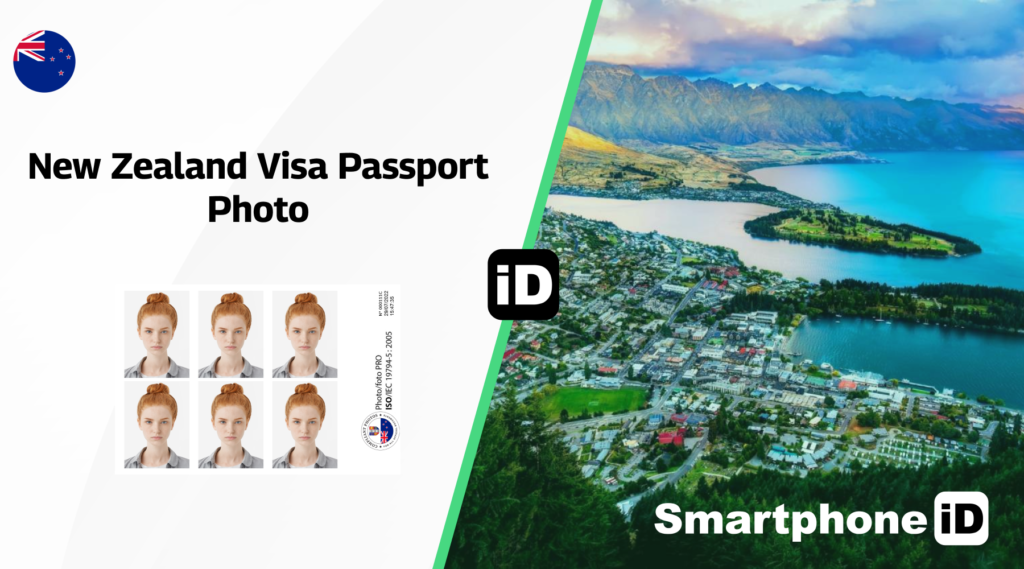
When applying for a New Zealand visa, having a high-quality passport photo that meets specific requirements is essential. A compliant photo ensures a smooth application process and avoids potential delays or rejections.
Table of Contents
1. Key Requirements for New Zealand Visa Photos
6. How to Submit Your New Zealand Visa Photo
7. Applying for an New Zealand Electronic Travel Authorisation (NZeTA)
9. Submitting through a New Zealand Embassy
11. New Zealand Visa Photo Checker
12. Get your New Zealand Visa passport photos with Smartphone iD
Key requirements for New Zealand visa photos
General photo requirements
- Size (paper): The standard size for New Zealand visa photos is 35mm wide x 45mm high. Your entire face must cover about 70% to 80% of the photo, and your shoulders must be included.
- Background: Plain white or light grey background with no shadows.
- Quality: High resolution, in focus, and free from glare or reflections.
- Print Quality: Must be printed on high-quality photo paper.
Specific guidelines
Face position
- Your head must be centered and visible.
- Neutral expression with both eyes open.
- No smiling, frowning, or other exaggerated expressions.
Eyes:
- Must be at a height of 26-30mm from the bottom of the photo.
Head size:
- The head should measure between 32mm to 36mm from chin to crown.
Glasses:
- If you wear glasses, ensure your eyes are clearly visible, and the frames do not cover them. Avoid reflections.
Head coverings:
- Only permitted for religious or medical reasons. Ensure the face from the chin to the forehead and both ears are visible.
Other accessories:
- No hats, scarves, or other items unless medically necessary.
Digital photo requirements
- between 500 KB and 3 MB
- between 900 x 1,200 pixels and 2,250 x 3,000 pixels
- a JPG or JPEG file.
Tips for taking the photo
- Lighting: Use natural light or soft artificial lighting to avoid shadows and ensure even illumination.
- Camera Setup: Use a good-quality camera (smartphones work well) and keep it steady.
- Distance: Stand about 1-2 meters away from the background to avoid shadows.
- Editing: Do not digitally alter your appearance. Only basic adjustments like cropping are allowed.
How to submit your New Zealand visa photo
The method for attaching your photo to a New Zealand visa application varies based on your application process. Here’s a quick overview:
Applying for a New Zealand electronic travel authorisation (NZeTA)
For an NZeTA application, you can use your mobile app. You have the option to take a new photo directly within the app and upload it. The app will automatically resize the image if it’s too large.
Online applications
If you’re eligible to apply online, visit the website of the embassy or consulate in your country to access the application portal. You can fill out the application form online and upload your digital visa photo in JPG or JPEG format.
Submitting through a New Zealand embassy
Make sure to attach your visa photos (2 photos) to the designated sections on the application form next to your name. It’s important to write your full name on the back of each photo and secure them in place with paper clips or a stapler—do not use glue.
Common mistakes to avoid
- Ignoring specific size and background requirements.
- Altering the image excessively.
- Poor lighting or quality, leading to blurriness.
- Not meeting facial expression or visibility guidelines.
New Zealand visa photo checker
Please be aware that the online photo checker from New Zealand’s Department of Home Affairs is intended solely for passport photos and is not suitable for visa applications.
To help you meet the specific requirements for your visa photo, we provide our advanced Visa Photo Checker, powered by cutting-edge AI technology and expertise from biometric specialists. With our tool, you can ensure that your photo complies with all necessary guidelines, increasing the chances of a smooth application process.
Get your New Zealand visa passport photos with Smartphone iD
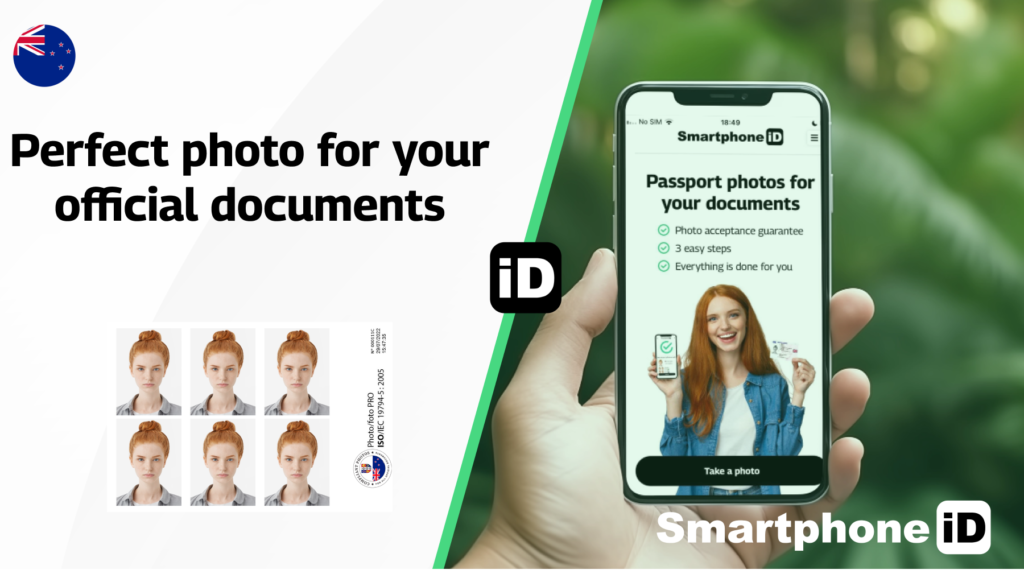
With the Smartphone iD Online Passport photo generator, you can obtain valid New Zealand visa photos directly from your smartphone.
Also available on Apple Store or Google Play Store, select “New Zealand visa,” and follow the real-time instructions to capture a photo.
Our advanced AI and team of experts verify your photo to ensure it meets all requirements. Once approved, we deliver the digital photo directly to your email, allowing for easy printing or online submission. With Smartphone iD, you’ll receive high-quality, compliant passport photos without the hassle of having to visit a physical studio, saving you valuable time and money.
Sources
https://www.immigration.govt.nz/visas/


.bbc9bc36.svg)