The Surprising Cost of Passport Photos at the Post Office Revealed
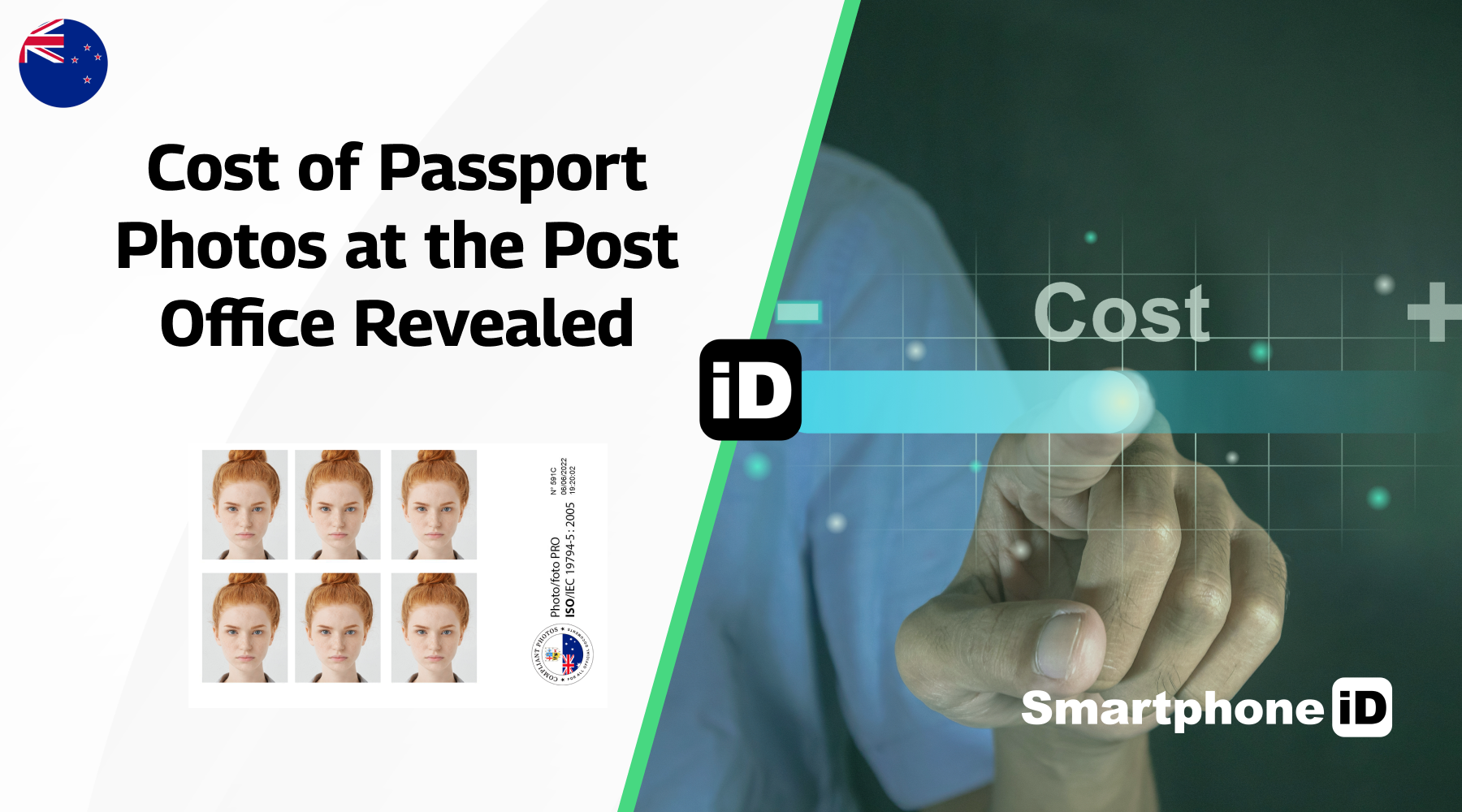
Lost your passport, renewing, or just need a brand new one? You’ll need a passport photo for your application. Make sure you use a professional service that can deliver the quality end product you’ll need. Don’t pay through the nose either. Read this article to find out the surprising cost of passport photos at the Post Office, and what you should do about it. Let’s get started!
Last update:3/30/2024
Table of contents
1. What is the Cost of a Passport Photo at the Post Office?
2. What is the Cost of a Baby Passport Photo at the Post Office?
3. Alternative Cheap Places to Consider
4. Comparison Between the Post Office and Smartphone iD
5. How to Take Your Passport Photo With Your Phone (at a Low Cost)?
What is the Cost of a Passport Photo at the Post Office?
We recommend using a paid professional service to get your passport photos, whether that be through the Post Office or a passport photo app. You will have to pay $19.95 for a Passport photo at Auspost. Seems expensive, right? Well, it is.
There is an even better way to get passport photos that are guaranteed to be accepted by the government. It’s called Smartphone iD! Our team checks Passport photos thoroughly and uses AI to ensure that your photo meets all requirements!
Don’t be surprised when your passport application gets accepted without any delays because of our government approval guarantee! If any problems arise with your photo, which is unlikely, we’ll be more than happy to give you a full refund.
What is the Cost of a Baby Passport Photo at the Post Office?
The cost of a baby passport photo at the Post Office is the same as an adult one. Paying 19.95$ for a photo of your baby at Auspost seems a little much, doesn’t it? So don’t pay more when you shouldn’t have to. Not to mention that getting a photo of your little one in the best of circumstances can be quite a challenge, so take your photo at home with Smartphone iD.
Smartphone iD can offer you and your baby great flexibility with the same professional quality that is required for all biometric document photos. The best part? It’s cheap and fast!
Alternative Cheap Places to Consider
If you want to get a passport photo in Australia, there are several places to go to. We’ve done the research, so you don’t have to. Here are some alternative, cheap places to consider when getting a passport photo.
Alternative Cheap Places to Consider
- Kmart: Print out your visa photos using Kmart’s 4 x 6 inch (10×15 cms) printing template for $0.10 per printed photo. Just make sure your visa photo is compliant with all requirements – you can use our smartphone ID to make this process fast and quick.
- Photo Booth: You can get passport photos for yourself or your baby when you travel to a photo booth. However, they don’t always provide the quality you need, and there’s no customer support if something goes wrong afterwards.
- Smartphone iD App: Not only can we guarantee your passport photo will be 100% acceptable, but we can also send it to you in minutes via email or print it onto professional photographic paper for a great, cheap price! Using AI and biometric experts, we’ll review your photos before sending them over, so you can have peace of mind that your biometric photos will get accepted.
Comparison Between the Post Office and Smartphone iD
If you are struggling to decide on what Passport photo service to commit to, have a look at both Smartphone iD and the Post Office services compared.
Hopefully, it’s clear to you now which service you might choose. You can be sure you’ve got nothing to lose when using Smartphone iD as we guarantee government approval and offer a full money-back guarantee.
How to Take Your Passport Photo With Your Phone (at a Low Cost)?
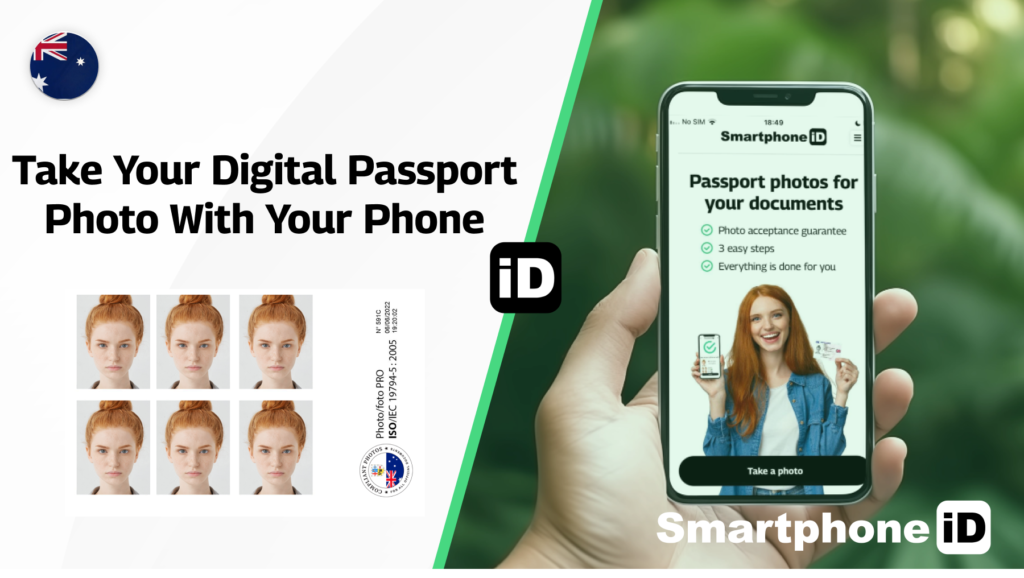
Why not try our low-cost solution for taking passport photos? With Smartphone iD, you can take pre-approved passport photos whenever and wherever you need them.
Use Smartphone iD on Android or iOS and follow the guidelines in the Smartphone iD app to get going today!
Here are some tips to get you started
- Make sure to remove your glasses or any accessories covering your face.
- Ensure that no shadows are covering your face (even lighting across your face).
- Keep a neutral expression whilst keeping the camera at eye level.
- Take your photo, then follow the instructions in the Smartphone iD app.
Summary
Whilst the cost of a passport photo when going to the Post Office is quite expensive, you don’t need to pay more than you have to. There is now a cheap alternative online that can get the job done just as well! Using a passport photo app like Smartphone iD means that you can save yourself precious time and money.
Not only that, but you’ll get the peace of mind knowing that your passport photo is taken care of by a professional service that will 100% guarantee government approval.


.bbc9bc36.svg)