How to change your passport photo: a step-by-step guide

Key Points Summary:
- To change your passport photo in India, you must apply for a re-issue of your passport online
- Several situations, such as significant appearance changes or legal name changes, may require updating your passport photo
- Using Smartphone iD’s online tool ensures your new passport photo meets all required standards
Are you looking to update your passport photo? Whether it’s due to a change in appearance or just a desire to renew your travel document, this guide has you covered. Here, you’ll find step-by-step instructions on applying for a photo change, a list of required documents, and important tips to ensure your new photo meets official standards.
Table of contents
2. How to change your passport photo
5. 3- Visit Passport Seva Kendra (PSK):
7. Cases that require passport photo change
How to change your passport photo
To change your passport photo in your Indian passport, you’ll need to apply for a re-issue of your passport. Here’s a general overview:
1-Online application:
- Visit the Passport Seva Online Portal athttps://www.passportindia.gov.in/
- Register or log in to your existing account
- Select “Re-issue of Passport” under “Service Desired”
- Choose “Change in Existing Personal Particulars” and select the relevant option for photo change
- Complete the online application form and pay the applicable fees
- Schedule an appointment at your nearest Passport Seva Kendra (PSK)
2-Required documents:
- Print the filled application form and affix your recent passport-size photograph
- Submit your original passport along with a photocopy of the first two and last two pages
- Provide proof of address (Aadhaar Card, Voter ID, Driving License, etc.)
- Provide proof of identity (Aadhaar Card, Voter ID, Driving License, PAN Card, etc.)
- Carry two recent passport-size photographs meeting the specified requirements
3-Visit passport seva kendra (PSK):
- Attend your scheduled appointment at the PSK
- Submit all required documents and fees
- Provide your fingerprints and photograph for biometric capture
4-Police verification:
- The passport office may conduct a police verification after your appointment
- Cooperate with the verification process to avoid delays in receiving your updated passport
Cases that require a passport photo change
Several situations may require you to update your passport photo. The table below outlines some common cases that necessitate a change in your passport photograph.
Case | Description |
|---|---|
Significant appearance changes | Major changes due to aging, weight fluctuations, or cosmetic procedures |
Invalid or non-compliant Photo | Existing photo does not meet current passport standards |
Lost or damaged passpor | Replacing a lost, stolen, or significantly damaged passport |
Legal name or gender change | Official changes to name or gender that need to be reflected in the passport |
Change in citizenship | Acquiring a new citizenship or renouncing a previous one |
Passport renewal | Updating the photo when applying for a passport renewal |
Recap
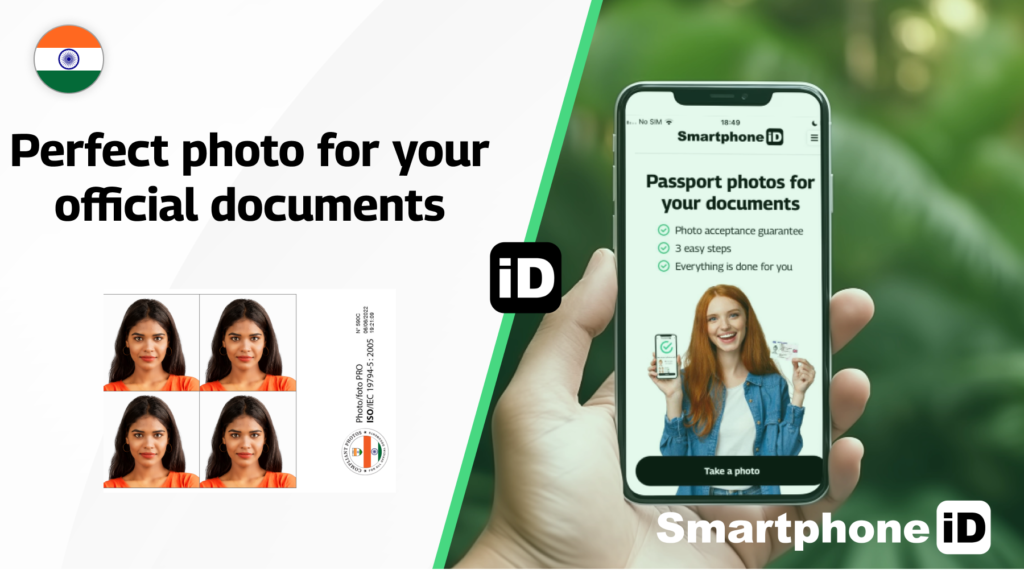
Changing your passport photo involves applying for a re-issue of your passport, providing the necessary documents, and visiting a Passport Seva Kendra. When updating your photo, ensure it meets all the required standards to avoid delays or rejection. Using the Smartphone iD online passport photo service guarantees your photo’s compliance at the most cost-effective price on the market.
Frequently asked questions (FAQ)
1. My appearance has changed. What should I do?
If your appearance has significantly changed due to aging, weight loss/gain, cosmetic surgery, or other factors, you should apply for a re-issue of your passport with an updated photograph that reflects your current appearance.
2. Can I edit my photo for my passport?
While minor edits like adjusting brightness or contrast are allowed, heavily edited or manipulated photos are not accepted for passport use. It’s best to take a new photograph that meets all the specified requirements.
3. Can I change my passport photo through passport renewal?
Yes, when you apply for passport renewal, you’ll have the opportunity to submit a new passport photo. This is the best time to update your photograph if needed.
4. What happens if you don’t look like your passport photo?
If your appearance has significantly changed and no longer matches your passport photo, you may face difficulties during travel or identity verification. It’s recommended to update your passport photo to reflect your current appearance.
5. How do I change a normal picture to a passport photo?
To convert a regular photo into a passport-compliant one, you can use an online passport photo tool like Smartphone iD. Our service guides you through the process of taking a suitable photo and ensures it meets all necessary standards.
6. What happens if my passport photo is wrong?
If your passport photo doesn’t meet the specified requirements, your passport application may be delayed or rejected.
Sources
https://www.cgitoronto.gov.in/docs/1626187593Photograph%20Guidance%20for%20Applicants.pdf


.bbc9bc36.svg)