How to get the perfect passport photo for your Indian passport application
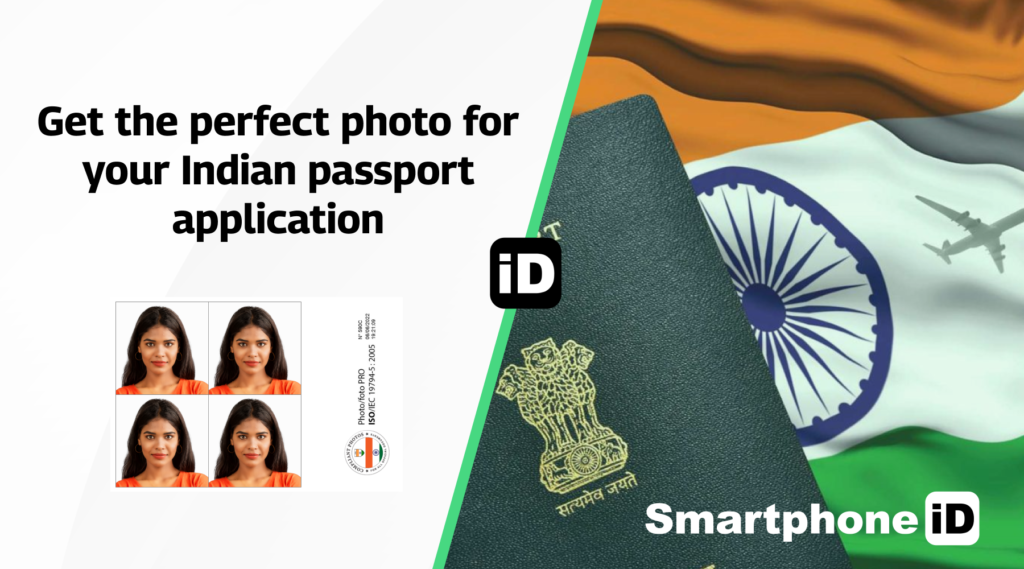
Are you applying for an Indian passport? In that case, you will need a passport photo that meets the government requirements. In this article, we’ll guide you through all the important information about passport photos for Indian passports, including the requirements, size, and how to submit your photo.
Table of Contents
1. Passport photo requirements for Indian passport
2. Passport photo size for Indian passport
3. How to submit your passport photo for an Indian passport application
5. Get your passport photo with Smartphone iD
Passport photo requirements for Indian passport
To ensure your Indian passport application is accepted, your passport photo must meet the following requirements set by the Indian government:
- The photo should be a recent color photograph taken against a plain white background
- It must be 2 inches by 2 inches in size, with your face centered and taking up 70-80% of the photo
- Your expression should be neutral, with both eyes open and clearly visible
- Avoid wearing glasses, hats, or any other accessories that may obscure your face or hairline
Passport photo size for Indian passport
The required size for an Indian passport photo is 2 inches by 2 inches (51mm x 51mm). When preparing your passport photo, keep the following points in mind:
- The photo should be printed on high-quality photo paper with a resolution of at least 600 dpi
- The photo should have a matte or semi-matte finish to avoid glare or reflections
How to submit your passport photo for an Indian passport application
When submitting your passport photo for an Indian passport application, you have two options:
- Print the photo and submit it in person at the passport office: Fill out the online application form, print it along with the required copies of your passport photo.
- Schedule an appointment at your nearest Passport Seva Kendra (PSK) or Post Office Passport Seva Kendra (POPSK)
- Submit your application, original documents, and passport photos at the designated counter during your appointment
Upload a digital copy of the photo during the online application process:
- Fill out the online application form on the official passport website
- Upload a digital copy of your passport photo in JPEG format, not exceeding 240 KB in size.
- Schedule an appointment at your nearest PSK or POPSK, pay the fees online, and visit with original documents for verification
Pricing
Getting an Indian passport photo at traditional photo studios can be quite expensive, with prices often ranging from ₹200 to ₹500 or more, depending on the studio and location. Smartphone iD offers a more affordable alternative without compromising on quality.
Our app allows you to capture your passport photo from the comfort of your own home, with expert verification and digital delivery included. By using Smartphone iD, you can save both time and money compared to visiting a photo studio, making it the most cost-effective solution for getting your passport photo.
Get your passport photo with Smartphone iD
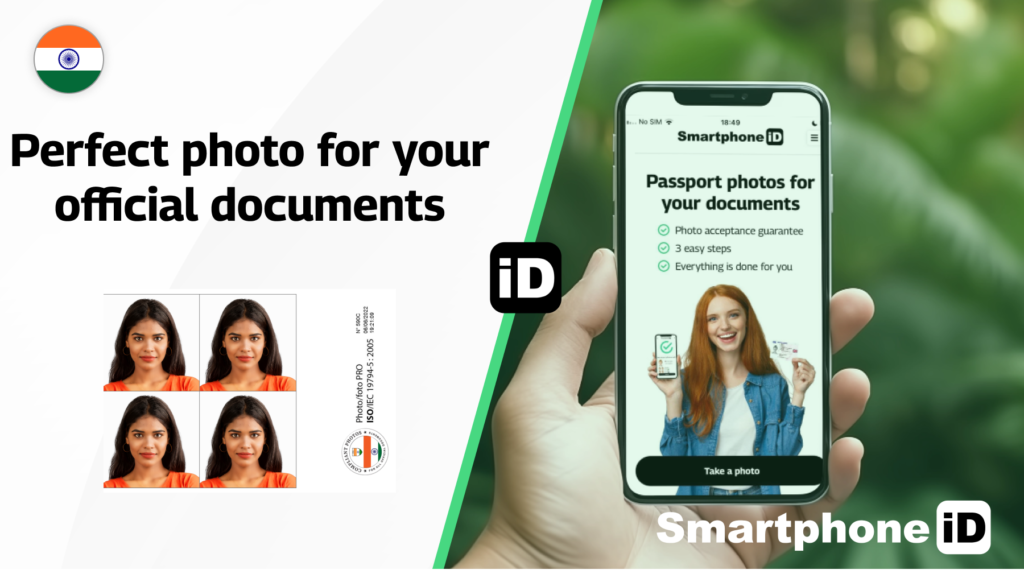
Smartphone iD Online official photo generator is a user-friendly app designed to simplify the process of taking and obtaining passport photos. Our app offers an affordable alternative to traditional photo studios, allowing you to capture your passport photo from the comfort of your own home.
The Smartphone iD app guides you through the photo-taking process with real-time instructions, ensuring that your photo meets all the requirements set by the Indian government.
Once you’ve taken your photo, our team of experts and advanced AI technology will verify it to ensure it adheres to the Indian government’s standards. After verification, we’ll send the digital photo directly to your email, ready for you to upload or print for your passport application.
Sources
https://www.cgitoronto.gov.in/docs/1626187593Photograph%20Guidance%20for%20Applicants.pdf


.bbc9bc36.svg)